Your Music Production Journey Starts Here
Master Ableton Live
If Ableton feels overwhelming, messy, or unclear, this course gives you a calm, structured starting point.
Turn Confusion into Understanding
Learn how Ableton actually works, so you stop guessing, copying tutorials, and second-guessing every decision.
Finish Music with Confidence
Know what to do next, trust your workflow, and finally complete tracks from start to finish!
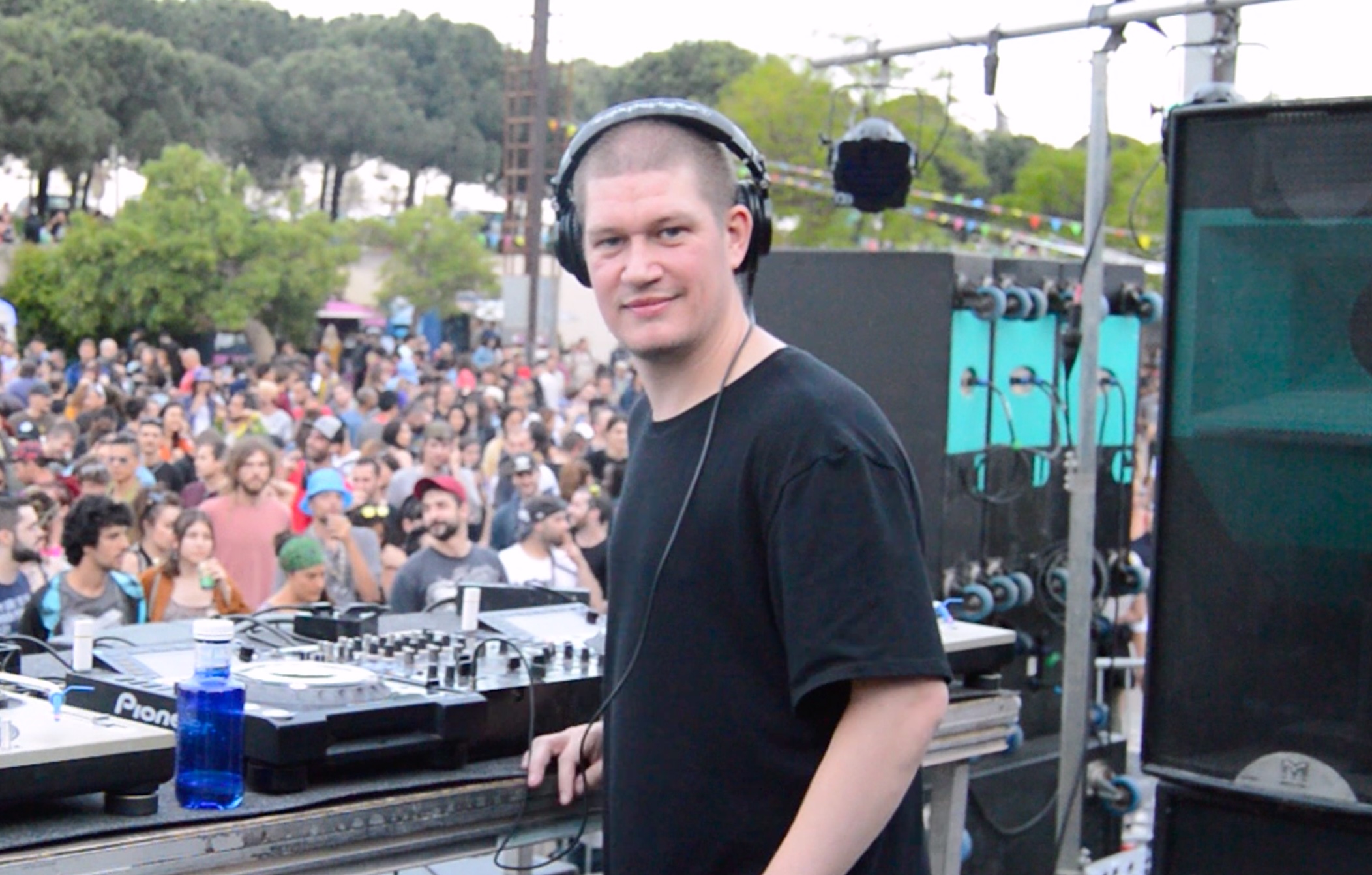
If we've not met yet
Hi! I'm Craig, better know as DJ Graish. I’ve been using Ableton Live since 2008. Like most beginners, I started out feeling completely overwhelmed by the software! Over the years, I developed a fast, clear workflow and a deep understanding of how Ableton really works. I now run a YouTube channel and through my tutorials and private classes I've taught thousands of producers how to make music in Ableton Live. I’ve learned exactly where students get stuck, and how to guide them through with clarity and structure. This course is built from that experience. My goal is simple: to remove confusion and help you confidently create and finish your own music in Ableton Live.
Curriculum
-
-
Welcome To The Course Free preview
-
Installing Ableton Live Free preview
-
Interface Tour Free preview
-
First Track Free preview
-
Personalizing Your Workflow Free preview
-
-
-
(Included in full purchase)
Audio vs MIDI
-
(Included in full purchase)
Tracks, Clips & Scenes
-
(Included in full purchase)
Using The Browser
-
(Included in full purchase)
Devices & Effects
-
(Included in full purchase)
Mixer & Levels
-
(Included in full purchase)
Saving & Exporting
-
(Included in full purchase)
Module 2 Quiz
-
(Included in full purchase)
-
-
(Included in full purchase)
Arrangement View Introduction
-
(Included in full purchase)
Arranging A Full Track
-
(Included in full purchase)
Splitting & Consolidating Clips
-
(Included in full purchase)
Recording Automation
-
(Included in full purchase)
Module 3 Quiz
-
(Included in full purchase)
-
-
(Included in full purchase)
Launching Clips In The Session View
-
(Included in full purchase)
Clip Follow Actions
-
(Included in full purchase)
Scene Follow Actions
-
(Included in full purchase)
Grid Controllers
-
(Included in full purchase)
Module 4 Quiz
-
(Included in full purchase)
-
-
(Included in full purchase)
Clip View Overview
-
(Included in full purchase)
Audio Clips & Warping
-
(Included in full purchase)
Working With MIDI Clips
-
(Included in full purchase)
Multi Clip Editing & Scale Awareness
-
(Included in full purchase)
Module 5 Quiz
-
(Included in full purchase)
-
-
(Included in full purchase)
Recording Audio & MIDI
-
(Included in full purchase)
Quantizing, MIDI Capture & Comping
-
(Included in full purchase)
Module 6 Quiz
-
(Included in full purchase)
-
-
(Included in full purchase)
Instruments Overview
-
(Included in full purchase)
Audio Effects Overview
-
(Included in full purchase)
MIDI Effects Overview
-
(Included in full purchase)
VST/AU Plugins
-
(Included in full purchase)
Device Chains & Macros
-
(Included in full purchase)
Module 7 Quiz
-
(Included in full purchase)
-
-
(Included in full purchase)
Gain Staging & Levels
-
(Included in full purchase)
EQ & Compression
-
(Included in full purchase)
Group Tracks & Bus Processing
-
(Included in full purchase)
Freezing & Bouncing
-
(Included in full purchase)
Module 8 Quiz
-
(Included in full purchase)
-
-
(Included in full purchase)
Applying Grooves
-
(Included in full purchase)
Convert Audio To MIDI
-
(Included in full purchase)
Stem Separation
-
(Included in full purchase)
Warping Acapellas
-
(Included in full purchase)
Module 9 Quiz
-
(Included in full purchase)
-
-
(Included in full purchase)
Music Production: Drums
-
(Included in full purchase)
Music Production: Bass
-
(Included in full purchase)
Music Production: Instruments
-
(Included in full purchase)
Music Production: Arrangement
-
(Included in full purchase)
Performance Using Stems
-
(Included in full purchase)
Module 10 Quiz
-
(Included in full purchase)
Student Reviews
Here are a few testimonials from students that I've worked with
The course was really good and I enjoyed it. I come from a background of using old analog gear, pre-midi even, and Ableton was something I was putting off for years as it looked way too overwhelming, and it can be, but the course really cuts to the parts you need to focus on if you just want to get to making tracks. I will re-watch it again as I need to. It is a great place for anyone who is new to Ableton to get started, as it is broken down into simple to follow steps to get comfortable using all the different instruments and effects, organizing your track, and discovering the endless possibilities that it offers. A great resource to have access to when you need a refresher on something. A+ 10/10 : )
Canada
I had the absolute pleasure of working with Craig as my Ableton Live tutor, and I can't recommend him highly enough! Starting from the very basics, where I was fumbling through the interface and simple beat-making, he patiently guided me step by step, making complex concepts feel approachable and fun. As we progressed to Ableton Live Suite, Craig's expertise truly shone; he unlocked advanced features like warping techniques, and creative sound design that transformed my music production skills overnight!
UK
Craig got me over the complexity of Ableton Live and taught me the fundamentals. Getting my ideas down, learning the basics of sound design, and making things simple. I was able to start creating my own sounds during the first hour and actually learned something I could use in my own projects by the time we were done.
USA
I wasn't 100% sure about taking a course or taking private lessons and I've actually done both with Craig, and I will tell you, it has levelled up my production game by quite a bit. So if you have any doubts whatsoever, definitely check it out. It is well worth the money invested.
Spain
Ready to Level-Up Your Production Skills?
One payment, lifetime access, 52 lessons, and a 30-day guarantee.
€99,00